Skip to content
BACnet/IP Tool
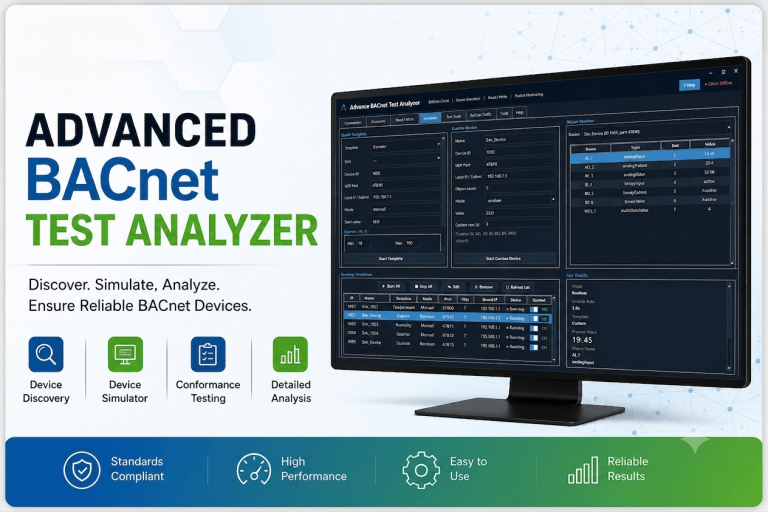
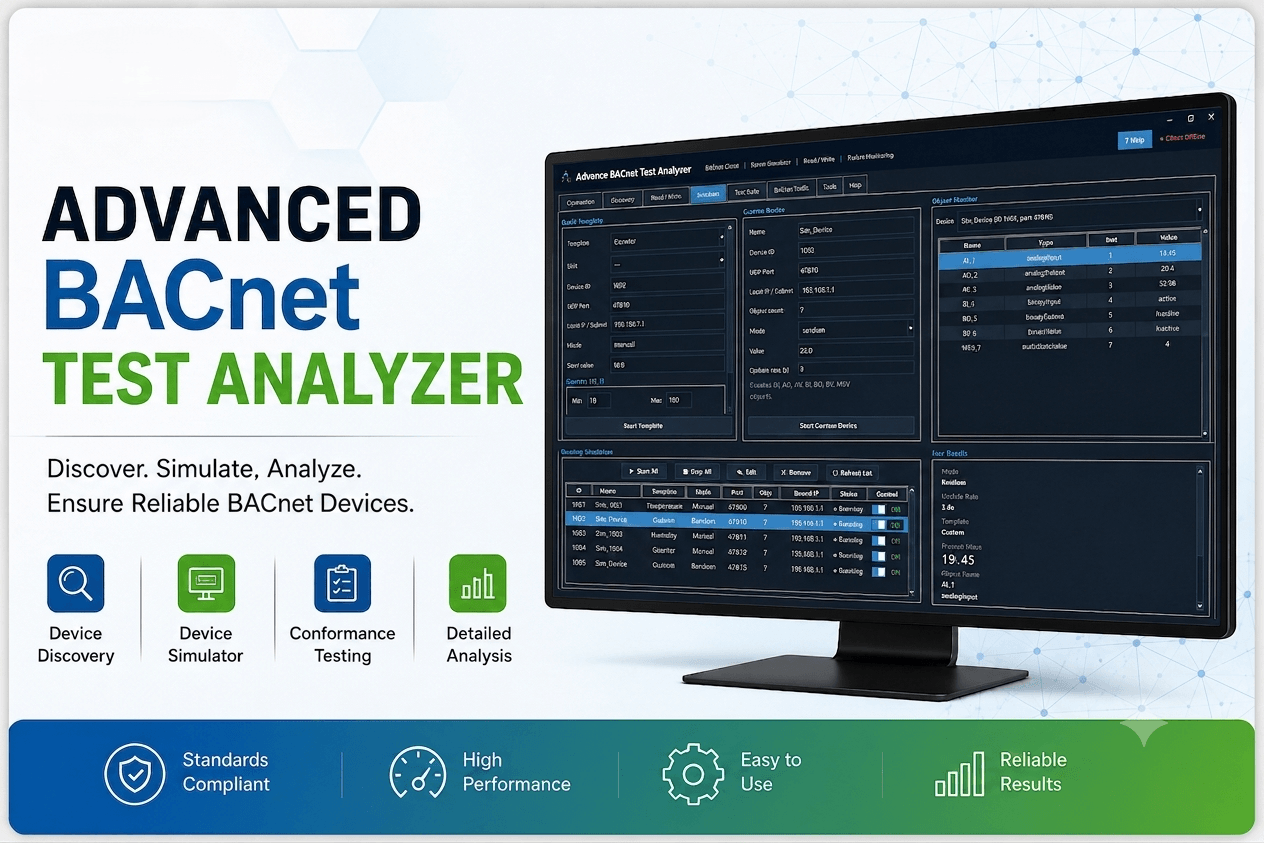
Advance BACnet Test Analyzer
A 10-part walkthrough of Adiinfi’s BACnet/IP test and simulation tool — from first connection to full automated test suites over MQTT. Built for commissioning engineers validating BACnet-to-MQTT gateways in the field or on the bench.
10
video lessons
~11 min
total runtime
Free
toolkit download

Core modules in one app
Simulated object types (AI–MSV)
Foreign device support
Exportable test evidence
Inside the app
Six modules, one workflow
Everything is built around a single running BACnet/IP stack, so a device you simulate in one tab is immediately visible to discovery, read/write, the test suite, and the traffic analyzer in the others.
Client & Connection
Bring a BACnet/IP client online on any local adapter, with optional Foreign Device Registration to a remote BBMD for reaching devices across subnets.
Discovery
Global Who-Is / I-Am broadcasts build a live device list, then pull the full object list off any discovered device with one click.
Read / Write
Read single or multiple properties in one request, write with any priority 1–16, and push a time-synchronization to a target device.
Server Simulator
Stand up virtual BACnet devices with quick templates or fully custom object sets, running several at once on separate ports and device IDs.
Automated Test Suite
Drives simulated devices through read, write, ReadMultiple, WriteMultiple, and COV cycles bridged over MQTT to validate a real gateway — pass/fail per step.
Traffic Analyzer
Every frame sent or received is captured, correlated into request/response pairs, and filterable for post-mortem debugging or evidence in a report.
A closer look
Built for the parts of BACnet that are actually
hard to test
Three capabilities do most of the heavy lifting during gateway development. Here’s what each one actually does.
Stop waiting for real hardware to test against
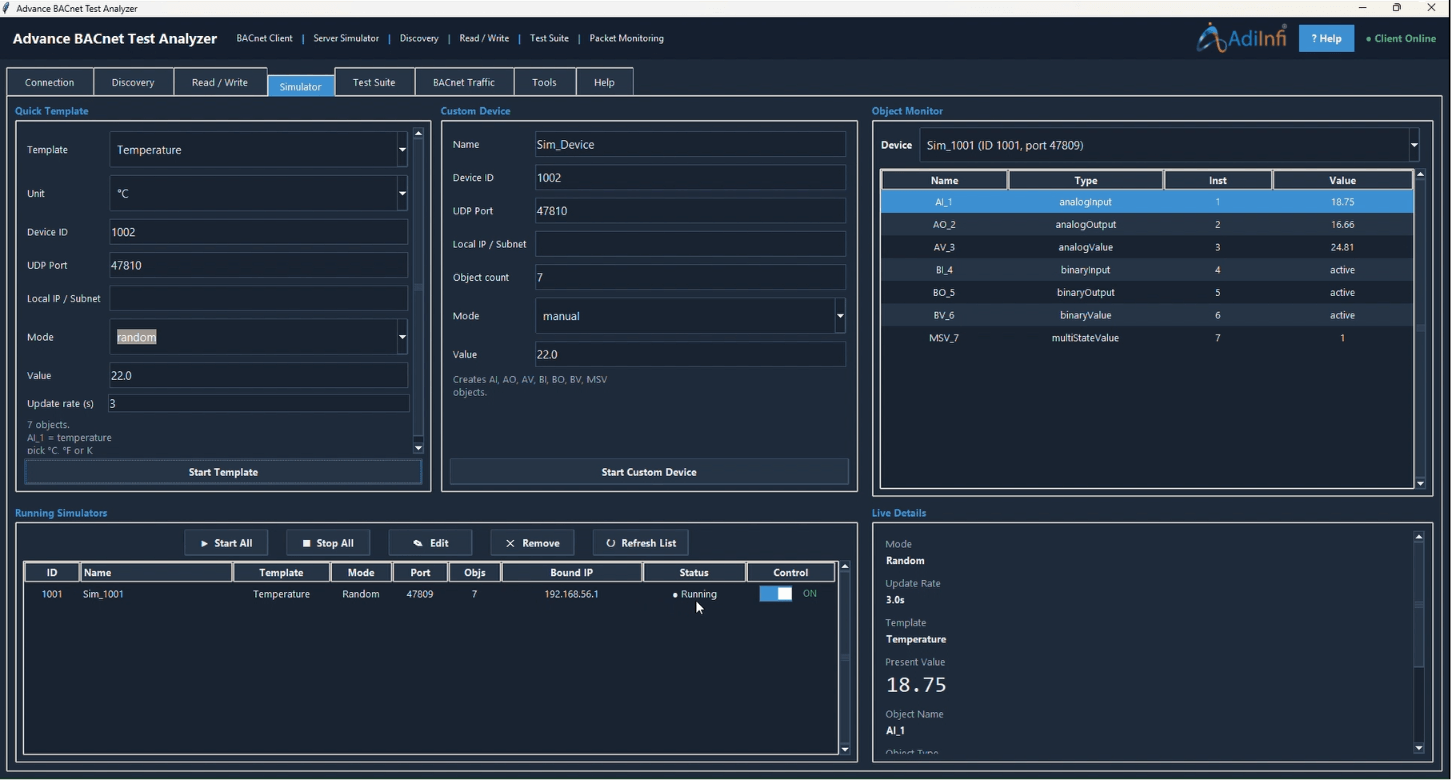
The simulator turns your PC into one or more BACnet/IP devices in seconds, so you can point a gateway at it long before real field devices are on the bench.
- Quick templates for Temperature, Pressure, Humidity, LED, and Counter points — pick a template and start
- Fully custom object sets when a template doesn’t fit: analog and binary I/O, analog/binary values, multi-state values
- Auto-updating random data on simulated points, so a downstream gateway sees changing values without manual writes
- Run multiple simulated devices at once, each on its own port and device ID
- Reload a running simulator’s configuration back into the editor to tweak it live
Validate the whole gateway path, not just the BACnet side
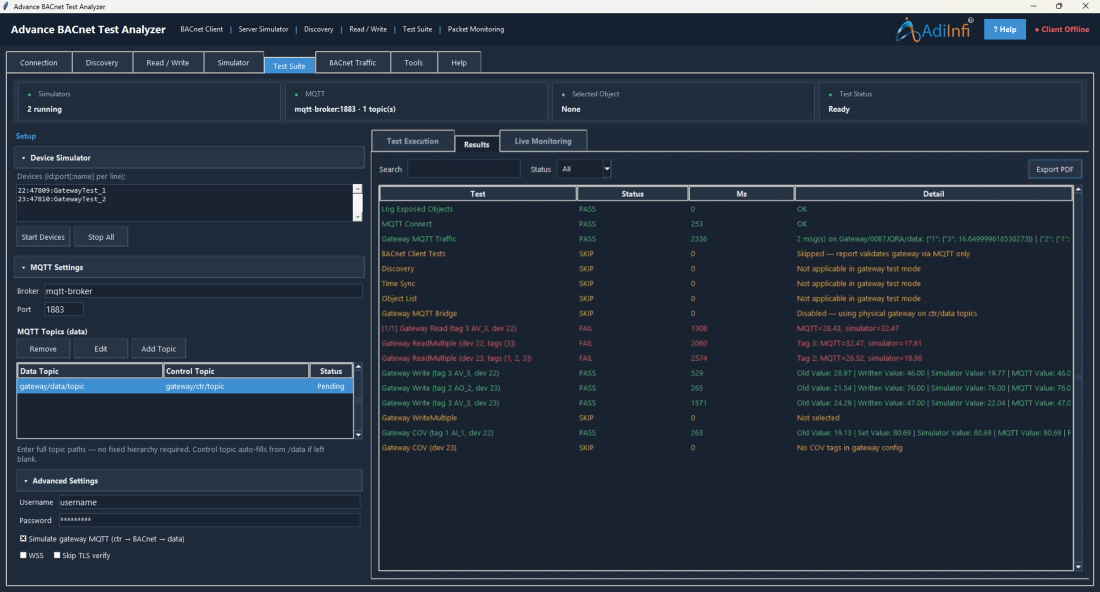
This is the module built specifically for BACnet-to-MQTT gateway commissioning: it starts simulators, connects to your MQTT broker, and exercises every data path your gateway is supposed to support.
- Spins up the configured device simulators automatically and confirms their objects are exposed
- Connects to MQTT and confirms gateway traffic is actually flowing on the data topic
- Runs configurable read loops, ReadMultiple batch reads, single writes, WriteMultiple, and COV checks per tag
- Cross-checks every value round-tripped through MQTT against what the simulator actually holds
- Skips and reports steps that don’t apply instead of silently ignoring them, so a report is never misleading
- Exports a full pass/fail report to PDF or CSV, including timing per step, for commissioning sign-off
See the actual frames, not just the outcome
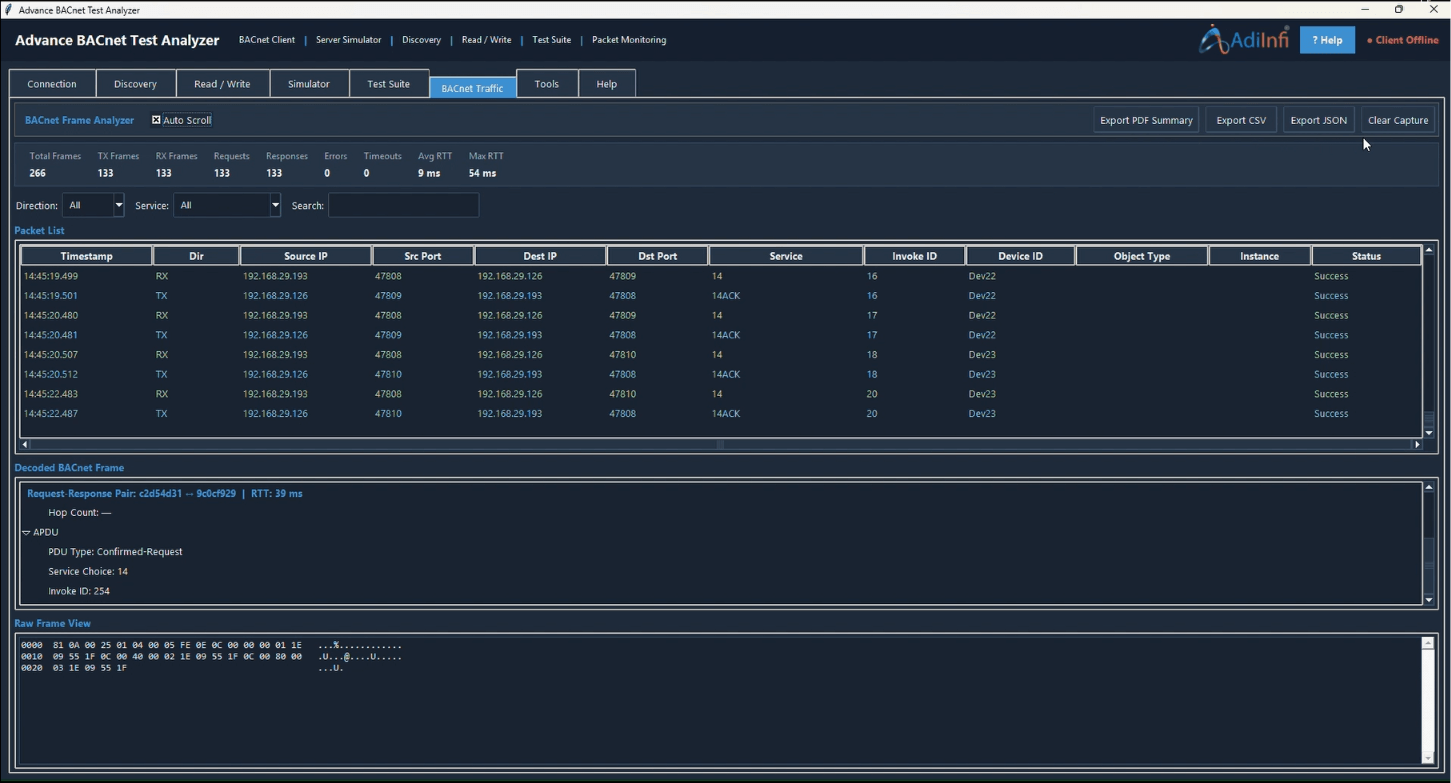
Every packet the tool sends or receives is captured in the background and decoded down to the service and object level, so you’re never guessing what actually went over the wire.
- Captures BACnet traffic continuously without a separate packet sniffer
- Automatically correlates requests with their responses, including round-trip time
- Distinguishes successful data exchanges from errors, timeouts, and unrelated background traffic
- Filters down to the frames tied to a specific test run or device for fast troubleshooting
- Exports a packet-level appendix alongside the test report for full auditability
Inside the tool
Everything you need to validate a BACnet/IP
gateway
Each module below gets its own video — connection and FDR, device discovery, simulation, automated MQTT test suites, and live packet capture.
Client Connection
Discovery
Read / Write
Simulator
Test Suite
Packet Capture
How it fits your bench
From cold start to signed-off gateway in
four steps
01
Simulate a device
Create a virtual BACnet device on the Simulator tab and note its Device ID and port.
02
Point the gateway at it
Add a BACnet data source on your gateway pointing to this PC’s IP and the simulator’s Device ID.
03
Discover & verify
Use Discovery and Read/Write to confirm the gateway sees the simulator exactly as expected.
04
Run the test suite
Execute the full MQTT-bridged suite and export a PDF/CSV report as commissioning evidence.
Watch & Learn
10-part video tutorial series
Follow in order for a full walkthrough, or jump straight to the module you need.
Welcome to Advance BACnet Test Analyzer
A quick tour of the app and what you’ll learn in this series.
Connecting the BACnet Client
Set the local IP, UDP port, and bring the client online.
Discovering BACnet Devices and Browsing Objects
Run Who-Is discovery and explore each device’s object list.
Reading and Writing BACnet Properties
Read and write present-value properties, single or multiple at once.
Creating a BACnet Simulator with Quick Templates
Spin up a simulated device in seconds using a ready-made template.
Manage Simulators and Per-Device Control
Build a fully custom simulated device and control it live.
Editing Simulator Configuration
Load a running simulator back into the form and adjust it on the fly.
Test Suite Setup — Simulators and MQTT
Wire up simulated devices and MQTT topics ahead of a test run.
Packet Traffic Analysis
Execute read, write, and COV loops and review pass/fail results.
Get the toolkit
Request the Advance BACnet Test Analyzer
Fill in your details and we’ll send the download link for the full application straight to your inbox — no cost, no obligation.
- BACnet/IP client, server simulator & discovery in one app
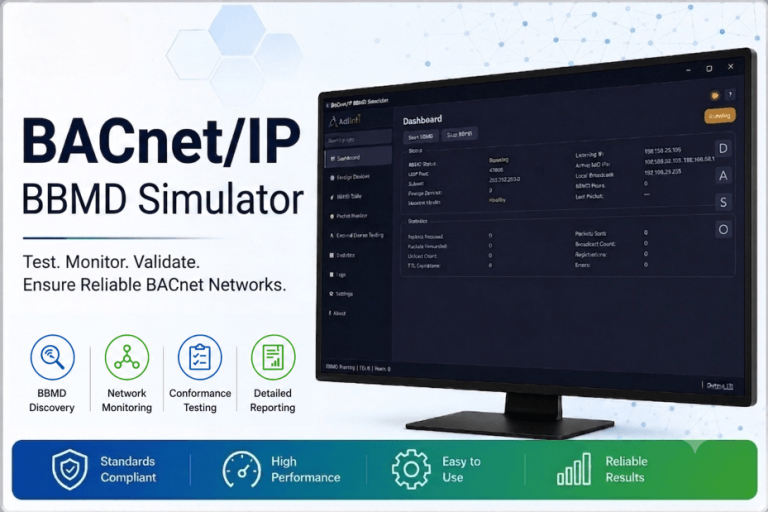
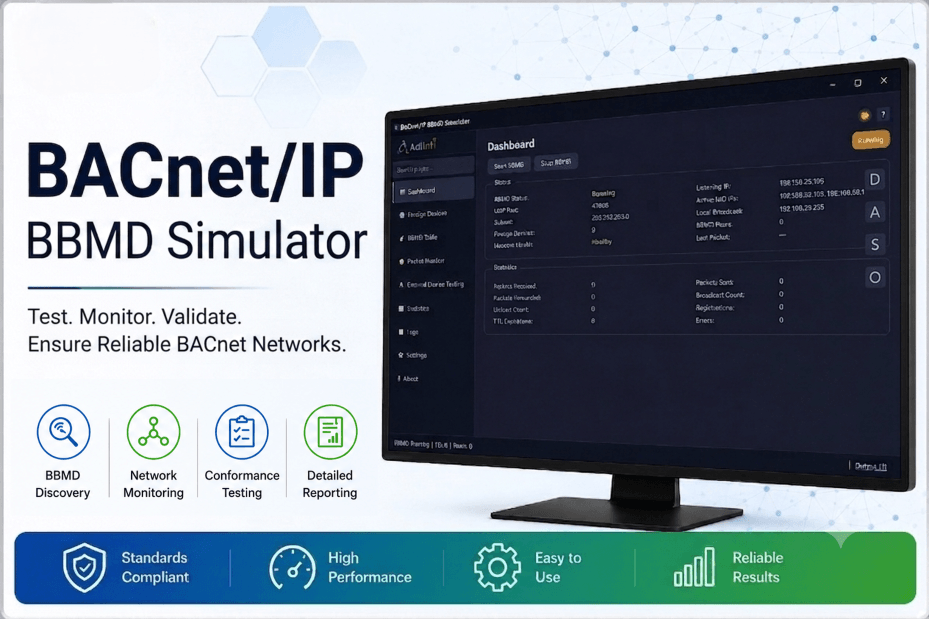
- Foreign Device Registration (FDR) & BBMD support
- Automated MQTT-bridged test suite with PDF/CSV export
- Built-in packet analyzer for BACnet frame inspection