Skip to content
BACnet MS/TP Simulator & Test Analyzer
BACnet MS/TP Simulator and Test Analyzer
A complete BACnet MS/TP master/slave stack and RS-485 test bench in one desktop app — built for engineers validating BACnet gateways, field controllers, and token-ring behavior on the bench or in the field.
8
Workspace modules
in one app
Automated test cases
toolkit download

8
Modules in one app
7
Simulated object types (AI–MSV)
Master + Slave
Token-passing roles
PDF
Exportable test evidence
Inside the app
Eight modules, one workflow
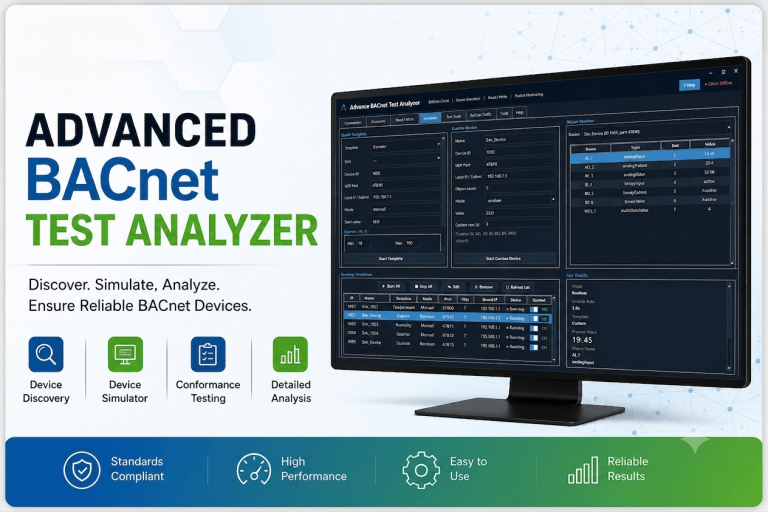
Everything runs on top of a single MS/TP stack on your chosen serial port, so a device you simulate in one tab is immediately visible to discovery, the test suite, and the activity chart in the others.
Dashboard
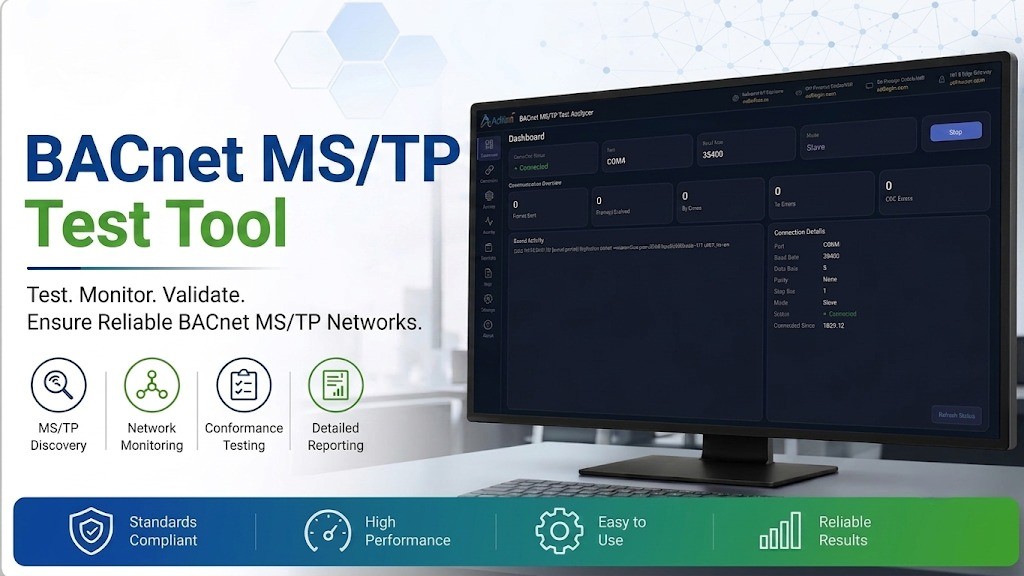
Connection status, live frame/error counters, and recent bus activity at a glance.
Connection
Port, baud rate, data bits, parity, stop bits, MAC address, and Master/Slave mode.
Devices
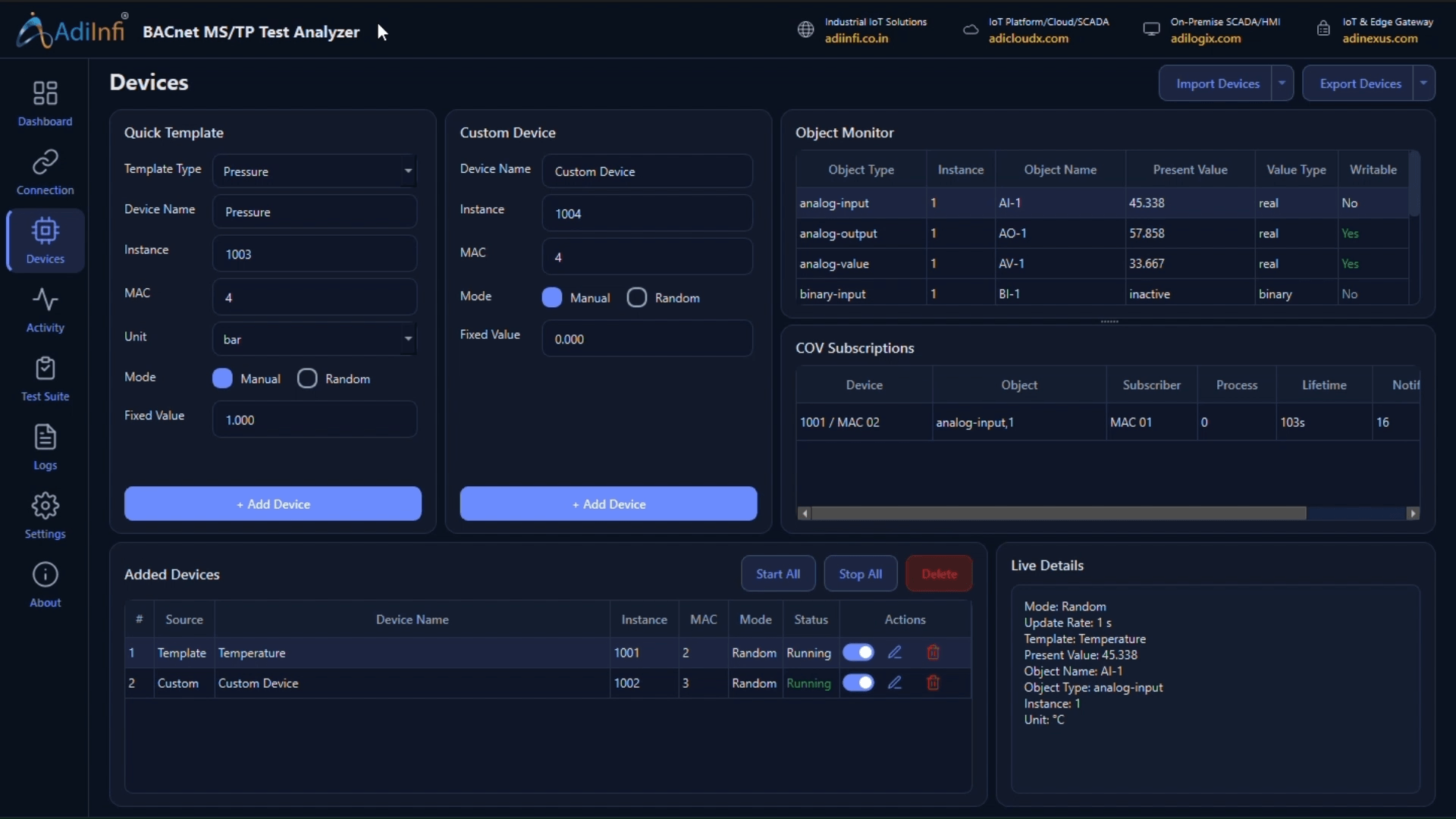
Quick-template or custom simulated devices, object monitor, and COV subscriptions.
Activity
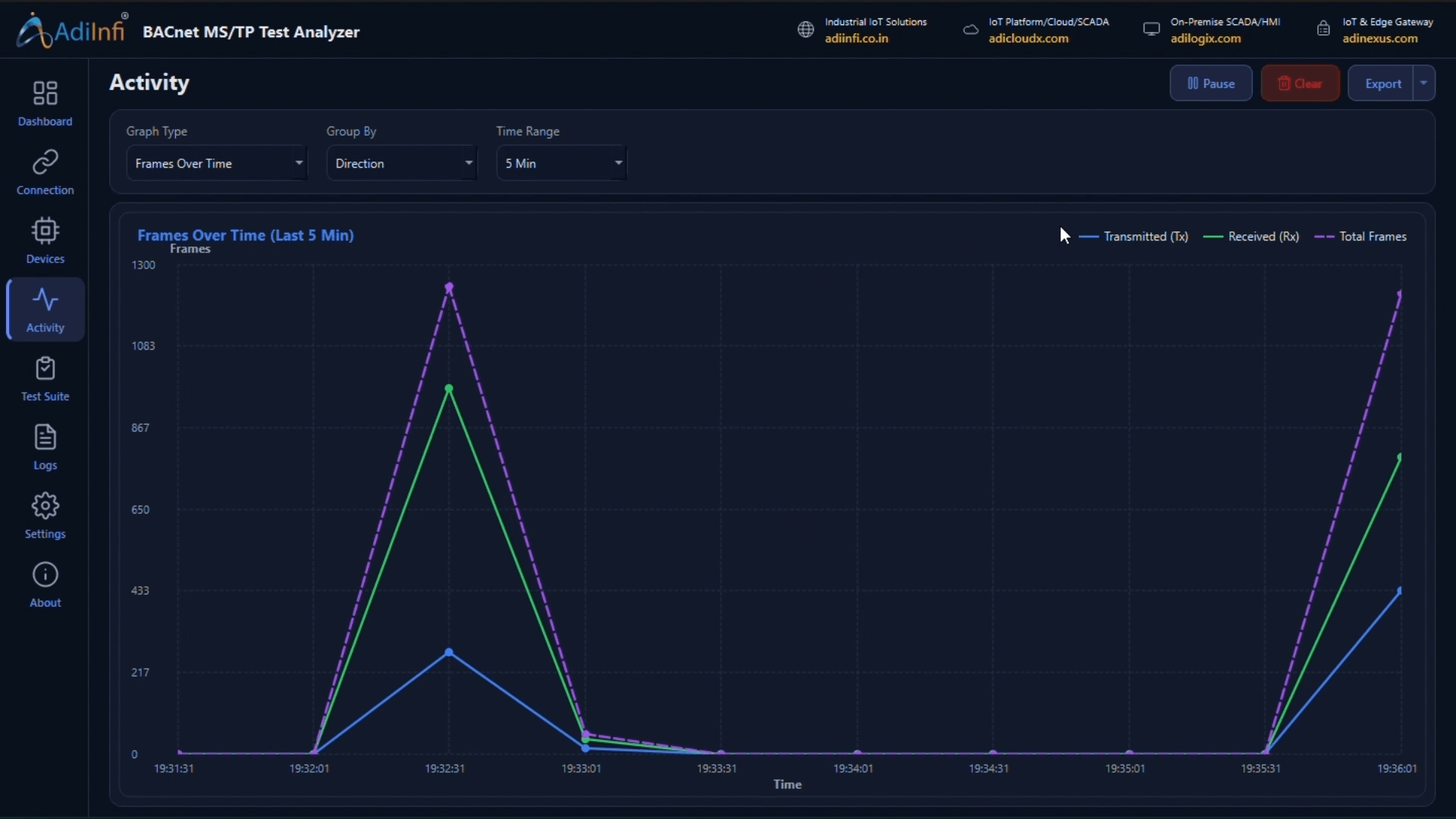
A live TX/RX/total line chart of frame traffic on the bus over time.
Test Suite
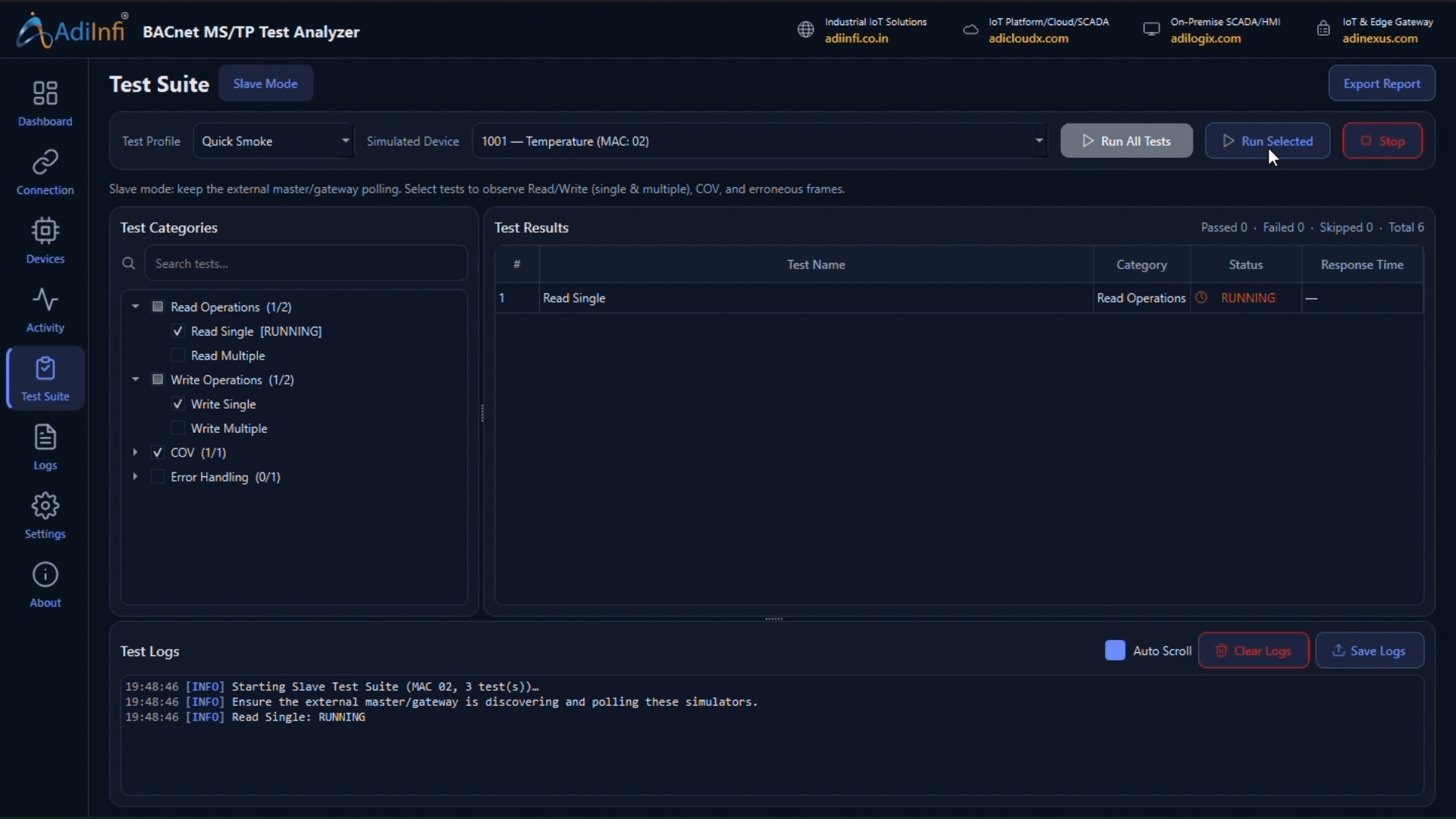
Pick a Device Under Test, choose categories, and run the automated test catalog.
Logs
Separate Frame Logs and Application Logs, filterable and exportable to CSV/text.
Settings
Export preferences and general application configuration.
About
Version and build information for the installed toolkit.
A closer look
Built for the parts of MS/TP that are actually hard to test
Stop waiting for a real field device to test against
- Quick templates build a full 7-object device — AI, AO, AV, BI, BO, BV, MSV — in one click
- Custom devices let you set device name, device ID, MAC and value mode
- Each object runs an independent value mode: Fixed or Random
- Live object monitor and a COV subscription table with lifetime and notify counts
- Import or export a device list instead of rebuilding it by hand
Validate the whole MS/TP path, not just one read
- Pick a Device Under Test — simulated or a real slave/master on the bus
- Run the full catalog or just the categories you need: Discovery, Token Passing, Read, Write, COV, Error Handling
- Every step logs total requests, successes, failures, timeouts, and average response time
- Falls back to sequential writes automatically if WritePropertyMultiple isn’t supported
- Exports a full pass/fail PDF report for commissioning sign-off
See the token ring and the traffic, not just the outcome
- A live TX/RX/total line chart tracks frame counts on the bus in real time
- Separate Frame Logs and Application Logs tables, each filterable
- Frame stats cover sent, received, CRC errors, malformed frames, and token passes
- Export activity and logs to CSV or plain text for later review
- Inject malformed MS/TP octets to confirm the stack stays healthy under bad input
Everything you need to validate a
BACnet MS/TP network
Each module covers a distinct part of MS/TP commissioning — from RS-485 link setup to standards-accurate token timing.
Serial & Station Setup
Port, baud (9600–115200), data bits, parity, stop bits, MAC, RTS direction control
Master / Slave Mode
Device Simulation
COV Subscriptions
Client Polling
Automated Test Suite
Live Activity Chart
Frame & App Logs
How it fits your bench
From cold start to signed-off
RS-485 segment in four steps
01
Simulate a device
02
Wire the gateway to the segment
03
Discover & verify
04
Run the test suite
Watch & Learn
video tutorial
Learn how to configure, simulate, test, and troubleshoot BACnet MS/TP networks with step-by-step video tutorials for the BACnet MS/TP Simulator and Test Analyzer.
Free download
Request the BACnet MS/TP Test Analyzer
Fill in your details and we’ll send the download link for the full application straight to your inbox — no cost, no obligation.
- MS/TP master and slave simulation on a single RS-485 port
- Quick-template and fully custom simulated devices with COV
- Automated 9-test suite with pass/fail and PDF export
- Live frame activity chart plus filterable, exportable logs